Can Codex run on an old office PC?
Yes, with 4 GB of memory (8 GB recommended) on Ubuntu 20.04+ or Debian 10+, or Windows 11 with WSL2.
What Codex needs
From Codex’s own documentation, checked 28 October 2026.
| Operating system | macOS 12+, Ubuntu 20.04+ or Debian 10+, or Windows 11 via WSL2 |
|---|---|
| Memory | 4 GB minimum, 8 GB recommended |
| Processor | The requirements table does not name a processor architecture |
What an old office PC brings
| Power and running cost | About 13 W at idle, so roughly $1.74 a month left on all day at the US average electricity price |
|---|---|
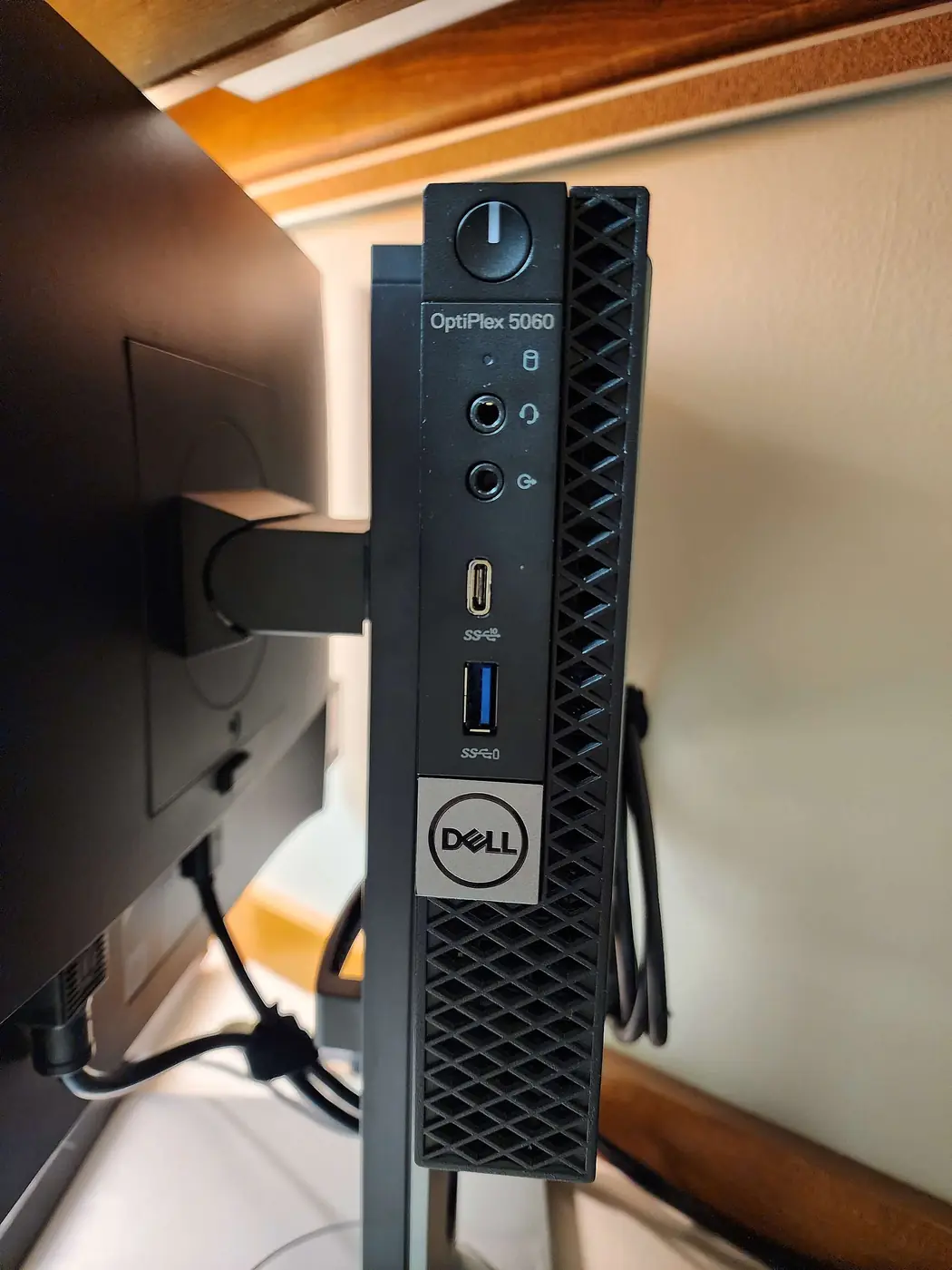
| Good to know | ServeTheHome measured Dell OptiPlex Micro desktops (7060, 7070, 7090) at about 12–18 W idle. |
| Left on all day | Uses about three times the idle power of a Mac mini or N100 mini PC, though that is still under $2.50 a month at the US average electricity price. |
Local models on an old office PC
Office desktops like the OptiPlex Micro have no separate graphics card, so a local model runs on the processor. Check the memory: 8 GB is the floor for a 3–8B model and 16 GB for a 14B model. The memory table shows what each model size needs.
Questions
Is an old office PC enough for Codex?
Yes, with 4 GB of memory (8 GB recommended) on Ubuntu 20.04+ or Debian 10+, or Windows 11 with WSL2.
What does it cost to keep an old office PC running for Codex?
About 13 W at idle, so roughly $1.74 a month left on all day at the US average electricity price. The AI model is usually the bigger monthly cost.
Can Codex use a local model on an old office PC?
Office desktops like the OptiPlex Micro have no separate graphics card, so a local model runs on the processor. Check the memory: 8 GB is the floor for a 3–8B model and 16 GB for a 14B model.
Other combinations
Codex on An old laptop · An N100 mini PC · A Mac mini · A Raspberry Pi 5 · A VPS.
On an old office PC: OpenClaw · Hermes Agent · Claude Code. See every agent and computer.